Create your Composer Hub
Sign up at the Composer signup page. You get your own company hub login (email + password). This is your control center.
- Open Signup → enter company + contact details
- Secure login (2FA available in Security settings)
Share this page with any client. One clear document: what PIPs Key is, how to start, and every tool — with pictures and simple language.

PIPs Key is a trading hub for Forex Traders, Mentors, and Testers. You connect MT5 accounts once, then buy/sell, send signals, and control trades from one place — phone or computer — without babysitting an EA on every chart.
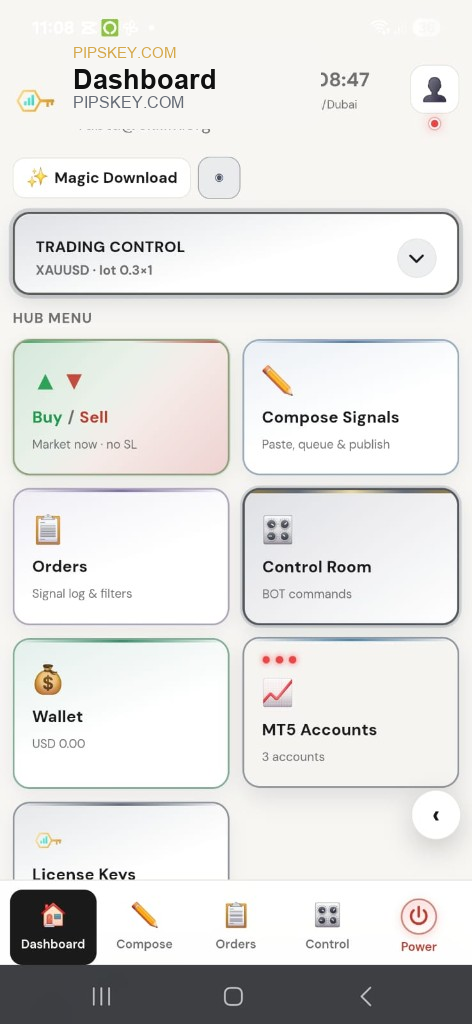
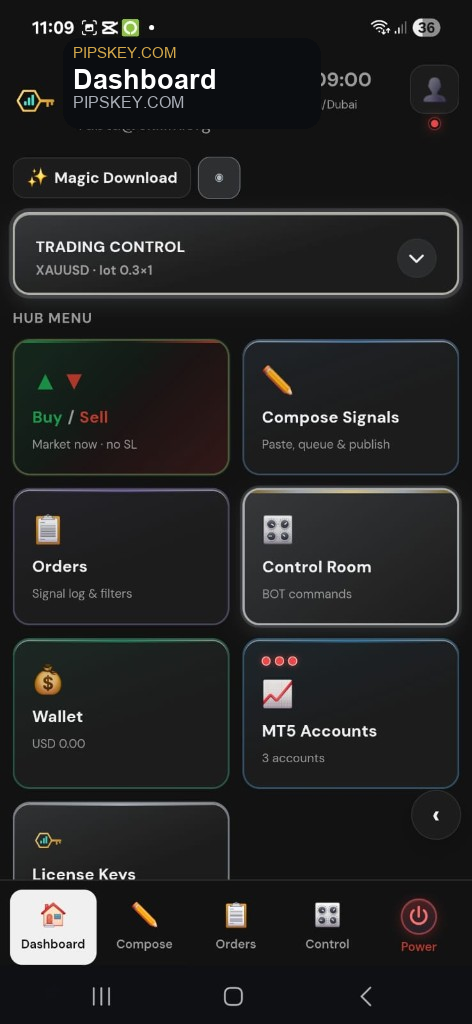
Instead of juggling chat signals, copy-paste, and chart EAs, PIPs Key gives you a single Composer Hub with live account status, license keys, and execution tools.
Follow this path once. After setup, daily use is mostly: open hub → trade or send signal → done.
Sign up at the Composer signup page. You get your own company hub login (email + password). This is your control center.
New composers can claim TEST FLIGHT: free for 7 days with 2 MT5 seats and 2 license keys — fully hosted.
In MT5 Accounts, tap +. A short 3-step guide asks for broker & server, then login & password, then validates the live broker login.
Go to License Keys → Generate. Each key is meant for one MT5 account. Keep unused keys ready for new seats.
Assign the key to the MT5 account (Hosted). Then start production — the platform prepares the hosted environment until status shows CONNECTED.
Set symbol and lots in Trading Control / PIP Router. Use Buy/Sell, Compose Signals, or Control Room. Broadcast reaches every connected account that is ready.
Your home base after login — dashboard tiles for every major tool.
From the hub you open MT5 Accounts, License Keys, Wallet, Compose, Control Room, News, Calculator, Orders, and Profile — without jumping between random tools.
Guided wizard — short screens, not one long confusing form.
Validation confirms the broker login before the account is saved. On the list you see serial number, online/offline, license status, and actions (edit/delete before a key is assigned).
Assign a key, start production, wait for CONNECTED — no Self / Own VPS path in the hub.
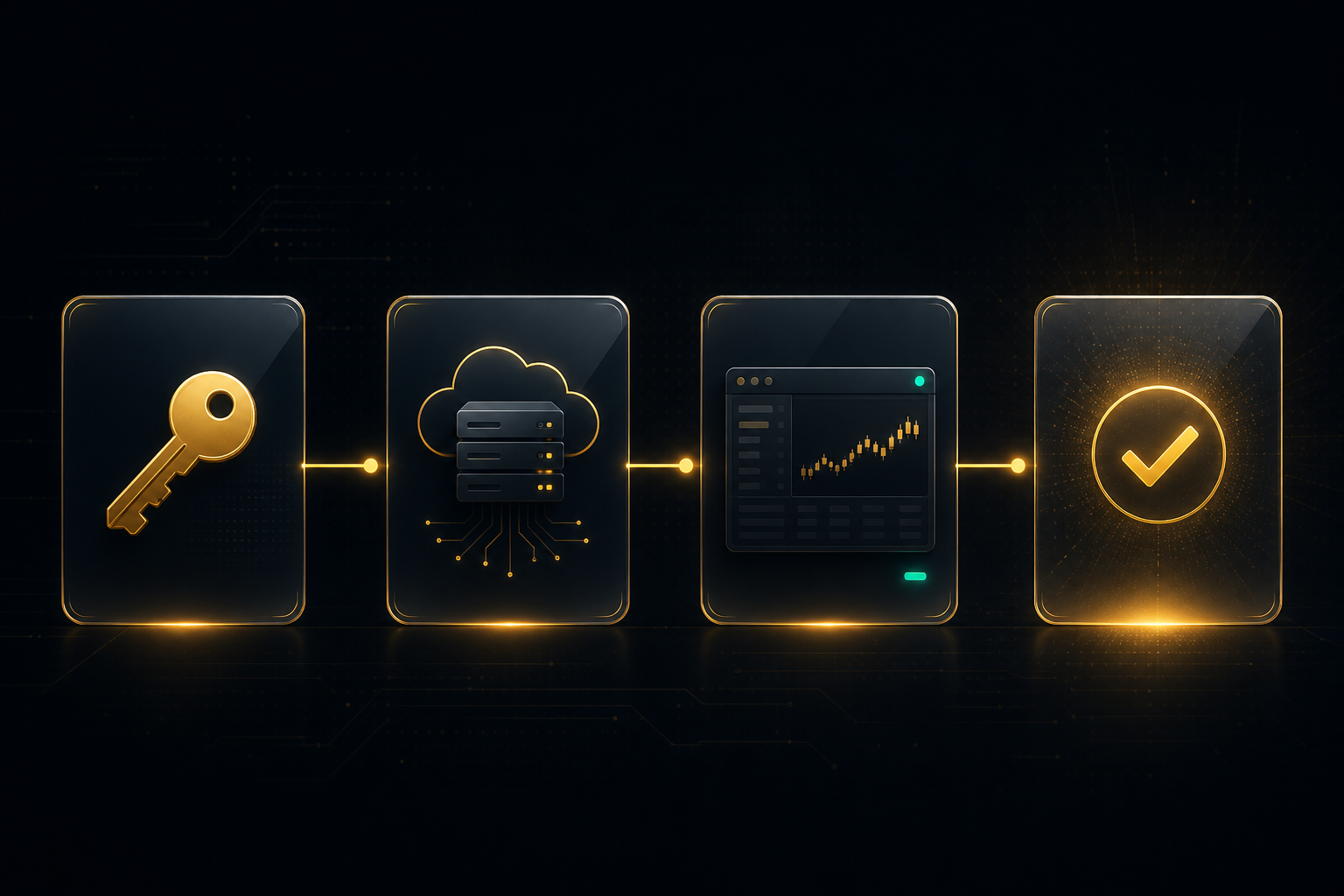
After Assign, Start Production prepares the hosted environment. You see processing progress, then a clear CONNECTED state when the account is syncing with the hub.
One API / license key maps to one MT5 account. Wallet keeps the hub funded.
Your plan seats equal how many MT5 accounts (and matching keys) you can run. Test Flight starts you with 2. Paid packages add more seats — and seats stack.
One tap to open a market trade. One switch mindset for every connected account.

Open Buy or Sell from the dashboard without hunting through terminals. Connected accounts follow your trading settings so mentors can lead students cleanly.
Online/offline indicators tell you who will receive the next action. Fix offline accounts before a live call when mentoring.
Paste or build a trade idea, review it, then publish to your connected accounts.
Mentors stop copy-pasting half-broken messages. Compose keeps the signal structured so accounts can execute consistently.
Close trades, adjust stops, cancel orders, and run clear BOT-style commands.
Control Room is for real sessions — when news hits or a call needs to stop. Actions stay readable so the whole desk understands what just ran.
Set symbol, lot size, and lot quantity once. Signals follow your desk rules.
Student accounts can run smaller lots than a master account. Fixed lots or proportional scaling — each seat keeps its own profile.
Decide with context — without leaving the hub.
Testers and mentors check high-impact events first. The calculator keeps risk math inside the same app — no tab hopping.
See what was sent, what ran, and outcomes — clear history for the whole desk.
Mentors can review the session. Traders can confirm what fired. Testers can compare idea vs result.
Same Composer Hub on your phone — act when you are away from the desk.
Login, check account status, manage keys, and take action from Android. Request the app from Google Play on the site.
Same product. Three jobs.
Trade once and keep linked MT5 accounts in sync. Set lots, watch status, act from phone or PC.
Lead students with structured signals and Control Room commands. Less chat chaos. Cleaner execution.
Test ideas across accounts, check news before big moves, and use the calculator before you risk capital.
Send clients this page. Then get them into Test Flight.
Start free Test Flight, or login if you already have a hub.